Ask it like a colleague. See the document it read.
Ask in plain words. fluctor answers from your documents, ERP and inboxes, and shows the file behind every answer. If your data holds nothing, it says so.
The window plays by itself.
From a question to a checked answer.
Ask
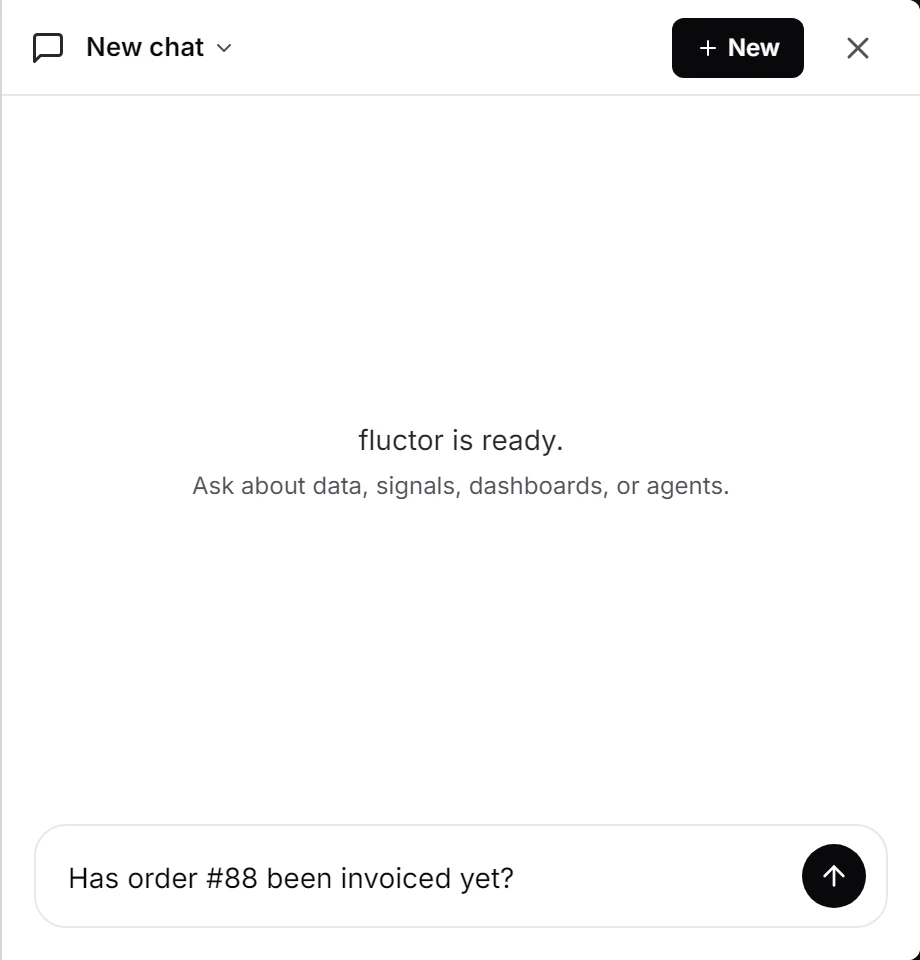
Put the question the way you would put it to a colleague. The answer comes in the language you wrote in.
Check
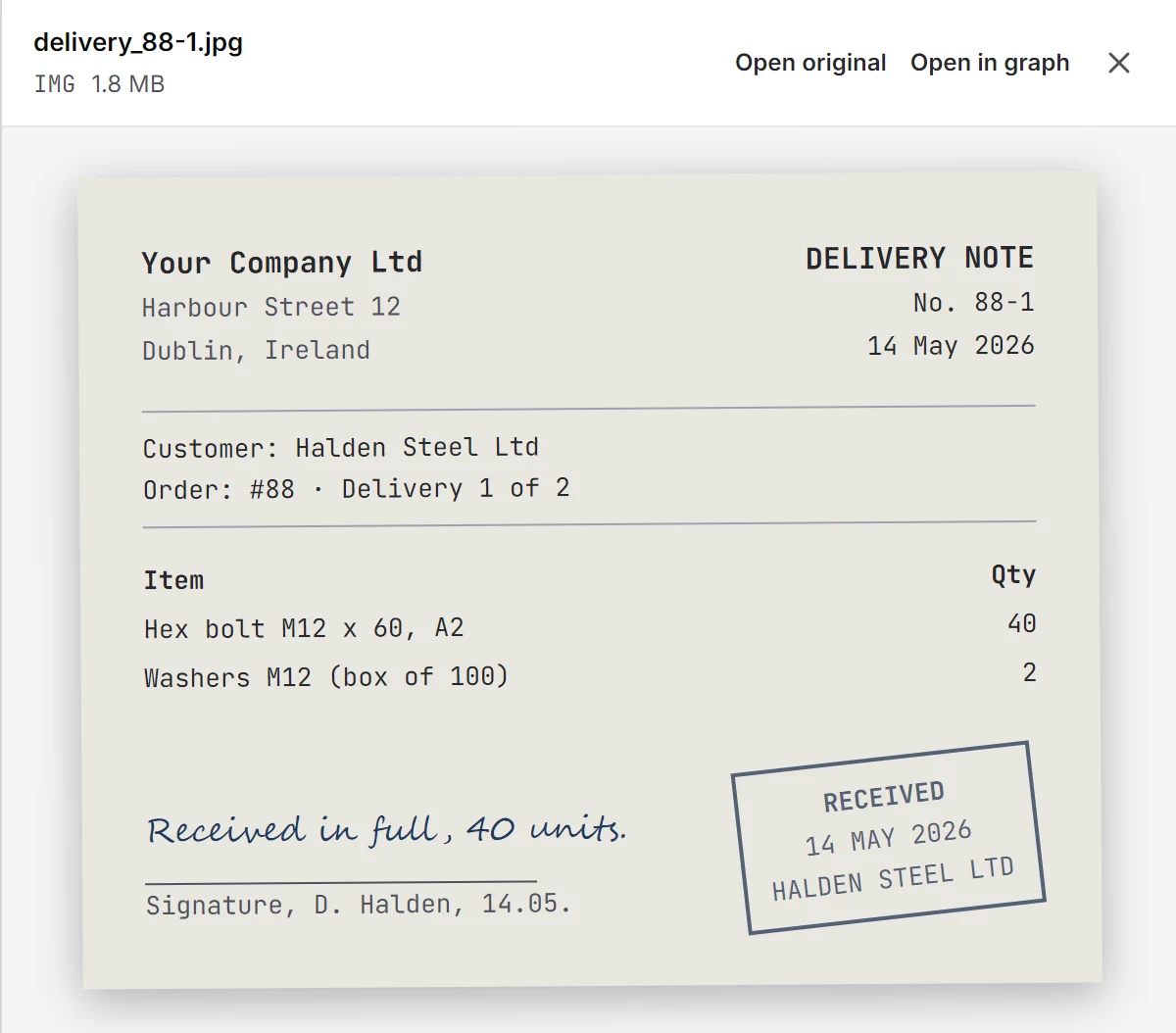
Click a source and the file opens next to the answer. The delivery note behind “signed for on 14 May” is one click away.
Follow up
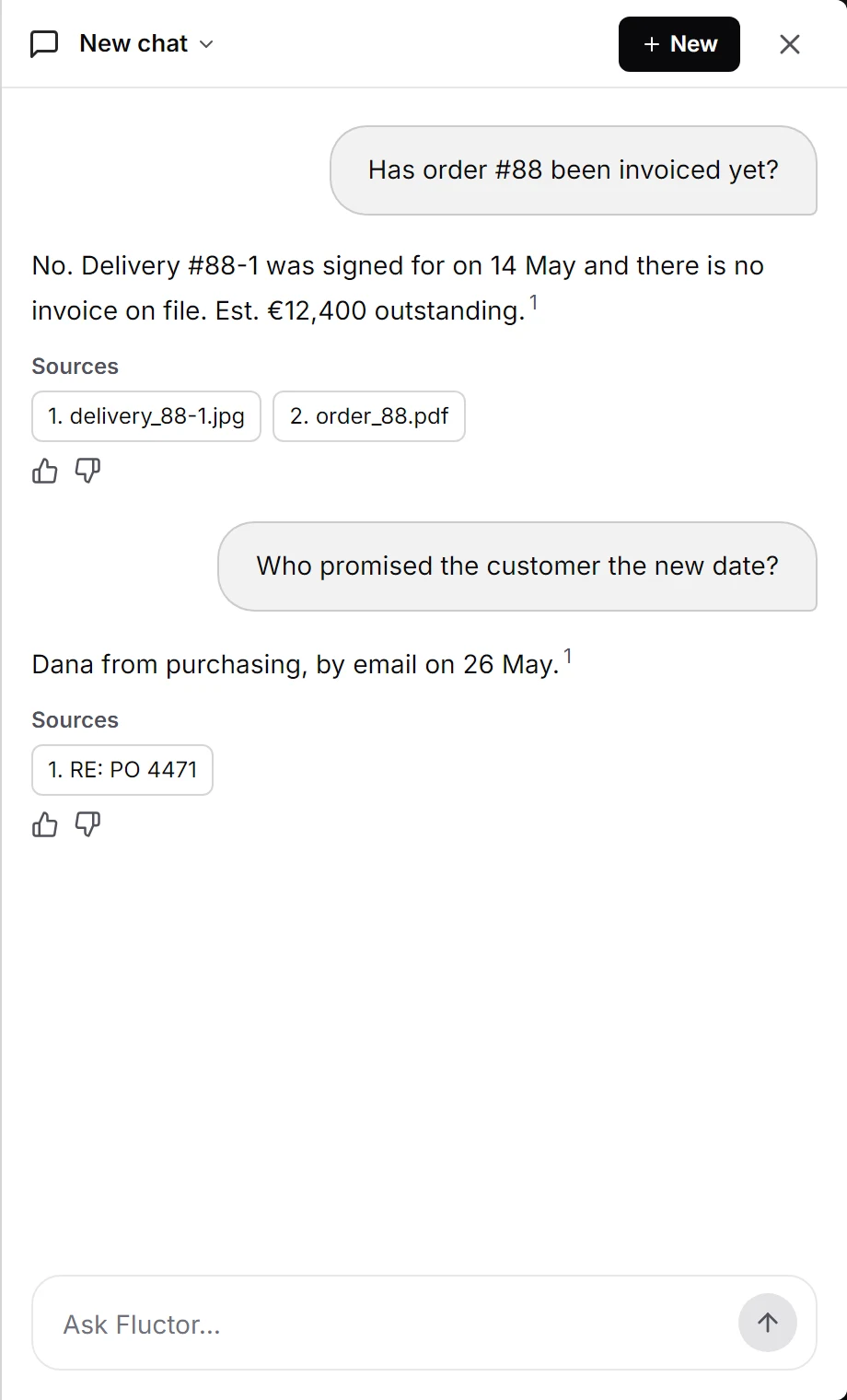
Follow up on the last answer. “Who promised the customer the new date?” names Dana in purchasing and her email of 26 May.
Build
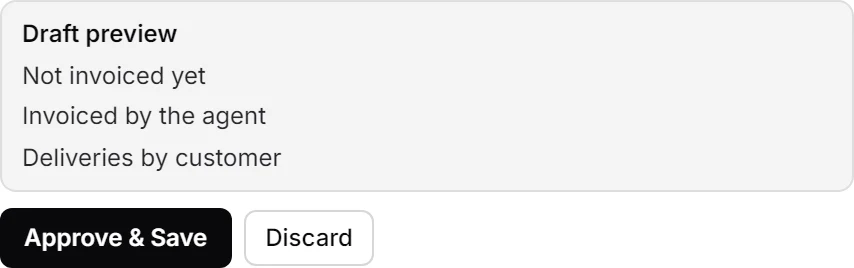
Ask for a dashboard. The chat drafts it, you check the tiles, and nothing is saved until you approve.
What it does with a question.
Reads what your company holds
Open items, customer files, contracts, emails, signals and tables, and how they connect. Ask whether order #88 is invoiced and it finds delivery #88-1, signed for on 14 May.
Says when it is not there
It says something is missing only after a search comes back empty, and then as “your data does not hold it”, never as a guess. An answer it cannot back with your data is not released; you are asked to narrow the question.
Figures come from the data
Totals and counts are taken from the data, not calculated in the answer. Amounts in different currencies stay on separate lines.
What changed, side by side
Ask what changed on a record and it gives the old value, the new one and the document that set it. A figure can be compared with the period before it, or the same period a year earlier.
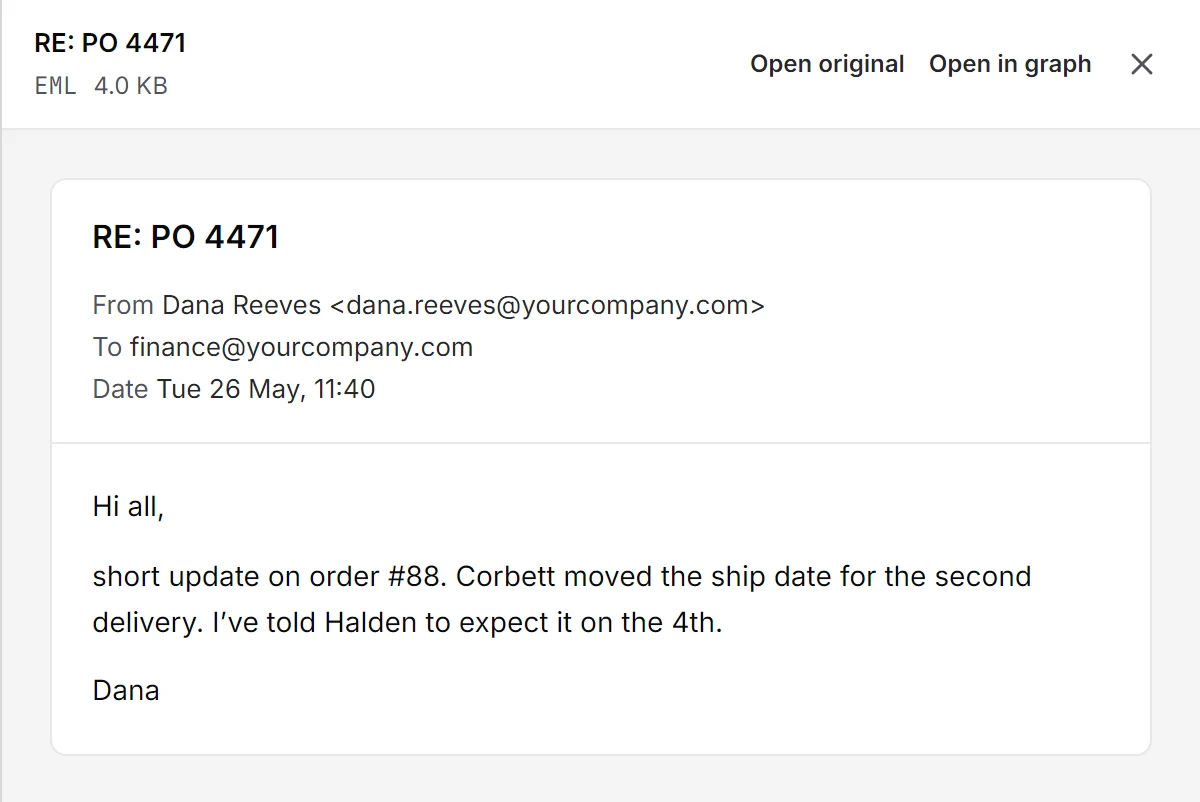
Every claim names its document.
Each figure and date in an answer rests on a row the assistant read, and the answer cites it. Click the numbered source and Dana’s email of 26 May opens; a source that is a company or a person opens its page instead. An answer that cites something it never read is not released.
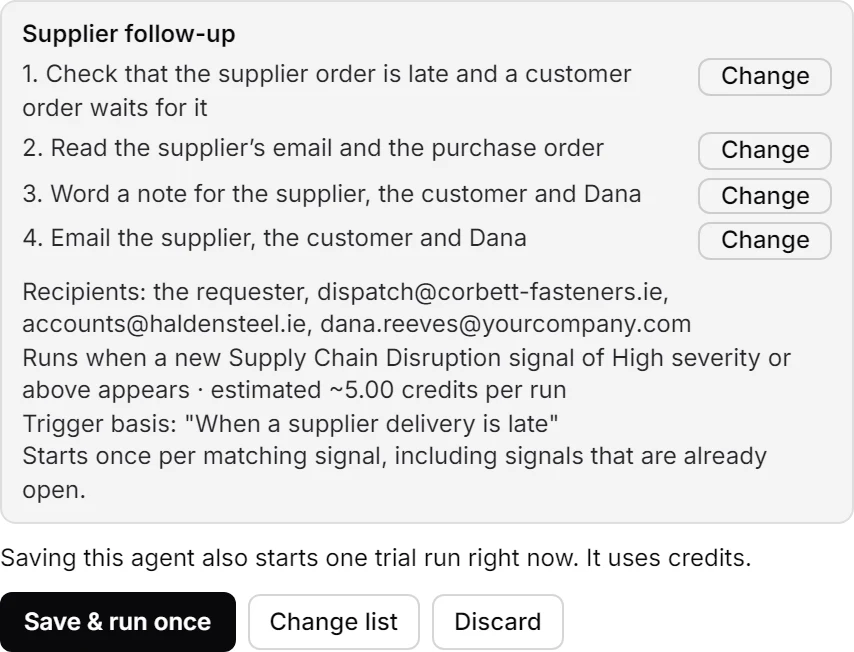
Set things up from the chat.
Describe a job in one sentence and the chat drafts the agent: its steps, its trigger and its recipients. Saving it also starts one trial run, and a send that leaves the company still waits for your yes.
Your data stays yours.
Hosted in the EU or on your own servers. The assistant reads only your organisation’s data, and every answer shows where it came from.
- EU hosting
- Your own servers
- GDPR & DPA
- No training on your data
- Every answer with its source
- Activity log
See fluctor on your own documents.
A demo where you ask the assistant your own questions, on your real inbox and files, not on slides.